
When you create a new User account with the emWave program, you will automatically be asked to create a HeartCloud account. If you have chosen to do this at another time, use the following procedure to create your HeartCloud User account. Select the User that you wish to create the account for. Click the Review Progress icon to see HeartCloud setup information.
 Click the Set Up HeartCloud button
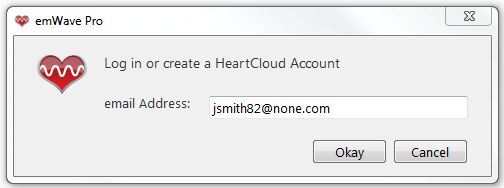
 The selected User's email will display automatically. If you did not enter an email for the User when you created the User Profile, enter the User's preferred email address and click Okay. NOTE: Be very specific about the User's email. HeartCloud accounts can not be deleted by the User.
 Create a new, specific password for the User and click Okay.
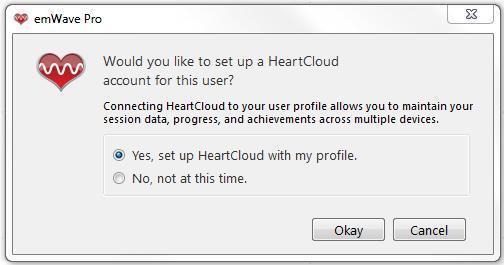 Your selected User HeartCloud account has now been created and synchronized to the emWave program.
Click the Set Up HeartCloud button
The selected User's email will display automatically. If you did not enter an email for the User when you created the User Profile, enter the User's preferred email address and click Okay. NOTE: Be very specific about the User's email. HeartCloud accounts can not be deleted by the User.
Create a new, specific password for the User and click Okay.
Your selected User HeartCloud account has now been created and synchronized to the emWave program.