
In order to use your emWave program (Pro or Pro Plus) you need to enter your registration number. When you open the program for the first time after installation, you will be prompted by the app.
The emWave2 software is a free, single user, minimal version of emWave Pro and does not require a registration number.
Find Your Registration Number:
The emWave Pro and Pro Plus software registration number is located on the back of the printed Quick Start Guide.
If you already have emWave Pro and you want to add the Plus - Assessments registration keys are available for purchase at the HeartMath store here https://store.heartmath.com/emwave-pro-plus-upgrade/
Important: To add the Assessments registration key to emWave Pro:
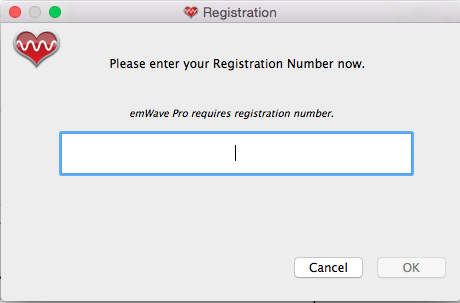 To enter a registration key in the software on a Windows computer, click on the Help menu item and then Registration.
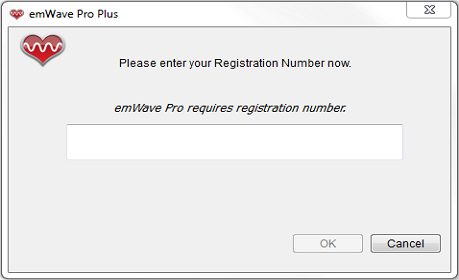 (This Registration number will now be entered automatically in the accounts of all Users.)
- First, copy your original registration number and save it somewhere safe.
- Delete your original registration number and replace it with the new Assessment registration that you just purchased.
- Close and re-open the emWave Program to see that the Assessments icon has been added to the emWave Toolbar.
To enter a registration key in the software on a Windows computer, click on the Help menu item and then Registration.
(This Registration number will now be entered automatically in the accounts of all Users.)